
Scrap Yard Reports Software, automated
Scrap yard reports software with ten built-in reports plus a custom builder. Schedule them to email the people who need them. Owner gets the Monday morning summary in their coffee.
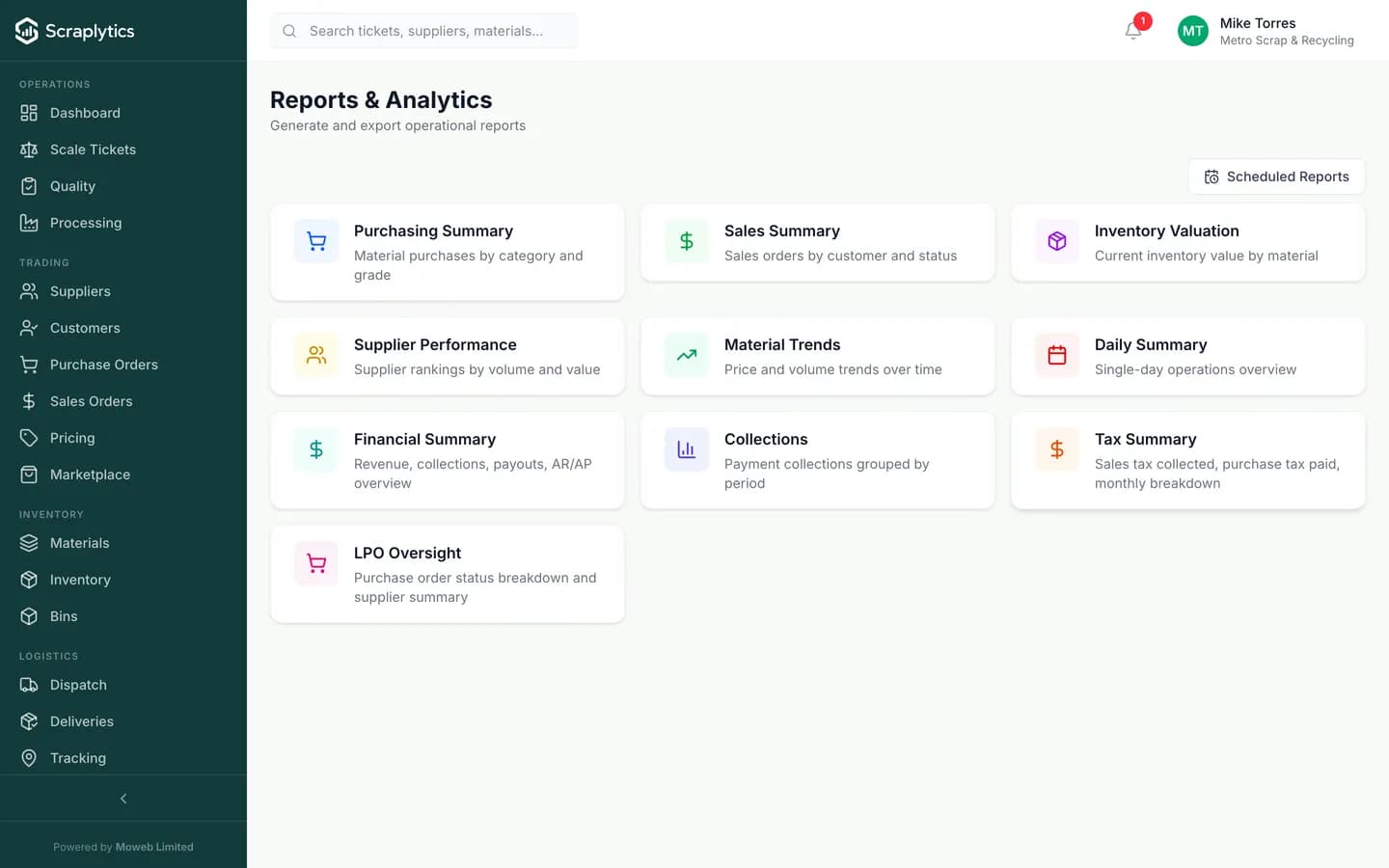
Ten built-in reports + a builder for everything else.
Why scrap yard reports software beats ad-hoc spreadsheets
The cost of a yard's reporting is not the spreadsheet. It is the four hours every week that three people spend assembling the spreadsheet, and the decisions delayed until the spreadsheet arrives.
Owner asks 'how did we do this week?' on Monday morning. Three people scramble to assemble numbers from the ERP, the scale software and a Google Sheet. Wednesday afternoon you have a partial answer.
Reports live in the system, refresh in real time, and are scheduled to email Monday morning at 7 a.m. Owner reads the one-page summary with their coffee. Decisions get made the same day.
Auditor asks for last quarter's invoicing register, broken out by tax jurisdiction. You sigh because that means a half-day in Excel with vlookups and three people.
Pick the report, set the filters, hit export. PDF or Excel, with proper formatting, in 30 seconds. Auditor gets what they asked for the same call.
You think one customer is unprofitable but you can't actually prove it. Material cost basis, freight, dispute write-offs and credit-period interest aren't anywhere together.
Customer Profitability rolls every line item against actual cost (WAC), allocated freight, dispute adjustments and credit terms. The losers show up red, and you can drill into the underlying transactions.
Ten reports out of the box
Inside the report engine
A report builder that respects how operators actually filter data
Pick dimensions (date range, material, grade, supplier, customer, location, salesperson) and metrics (weight, value, margin, count, average price, payment status). Drag to reorder columns, sort by any column, save the view. Two-by-two cross tabs (e.g. material × supplier) work out of the box. The result feels like a pivot table that already knows your business.
Scheduled delivery to the inbox of whoever needs it
Any saved report can be scheduled at a daily, weekly or monthly cadence. The recipient list is per-report - the owner gets the executive summary on Monday, the accountant gets the receivables aging on Friday, the auditor gets the tax report on the 1st. PDFs are branded with your logo and look professional.
Exports that match the tool the recipient is going to use
PDF for print, presentation and email. Excel for further analysis (formulas preserved, totals at the bottom of each group). CSV for the analyst who lives in Python. Each export embeds a footer with the report name, filters used and timestamp - so when somebody emails it onwards, the context travels with it.
What you get
Frequently asked questions
Can I build a report without knowing SQL?+
Yes. The builder is fully UI-driven: pick dimensions and metrics, drag to reorder, filter by anything. There is also a SQL view for advanced users, but the no-code builder covers about 95% of what most yards need.
How fresh is the data in a report?+
Real time. The reports query the live transaction database directly, so a ticket processed two minutes ago shows up in this morning's scheduled report if the schedule fires next.
Can different users see different reports?+
Yes. Reports are scoped by RBAC. An operator might see only their site's daily summary; a regional manager sees all sites; the owner sees everything. Custom reports can be shared with specific roles or kept private.
Can I drill down from a number in a report to the underlying records?+
Yes. Click any cell in any report to see the transactions that built it. Useful when the customer profitability number looks wrong - you can drill into the specific invoices, dispatches and payments that explain it.

Ready to modernize your scrap yard?
Start your 14-day free trial today and be writing digital tickets by tomorrow. No credit card, no contract.
- No credit card required
- 14-day free trial
- Cancel anytime